No. I’m saying choice is a good thing and consistency is also a good thing. Apple aren’t perplexed. They just don’t care about desktops as much as I would like them to.
No.
You specifically called out Apple's 'inconsistency' as them "not having a clear vision" the product line.
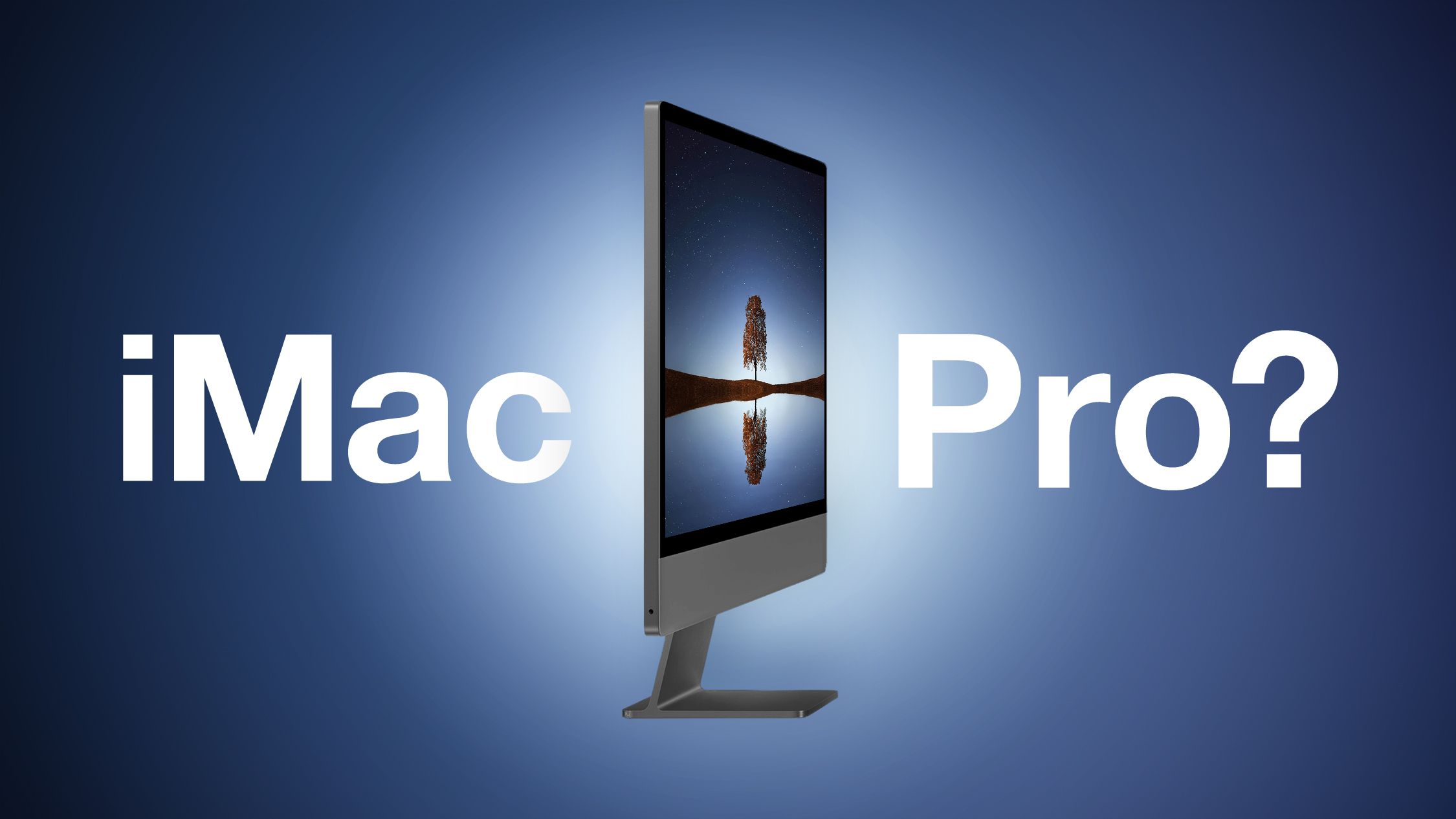
I don't believe too much choice is good. Pick one or the other.
Claiming both choice is good between vastly different desktop philosophies for a singular product so people agree with you, then also saying Apple has no vision for the desktop because they might shift to giving you that choice...That's trying to have it both ways here, which is furthering this issue.
You either want them to develop and sell they have now; or you want them to offer both iMac and a dedicated desktop with a display, each with the same chip configurations. You claim that's what you want, but then you criticize Apple for possibly adjusting their plans to give that to you.
Why exactly are you both praising Apple for supposedly making those products, and then criticizing them for it at the same time? You should be defending their possible choice to instead shift to that.
And with due respect, the desktop is a very small business for them. The Mac earned $ 30 billion in 1 year, and the desktop accounts for 10 %, which means they earned $3 billion around that, when overall they earned over $400 billion in 1 year alone.
That combined with the ever confusing "wants" of the "pro" (social media prosumers, honestly) community, I don't blame them for adjusting it every once in awhile. It's entirely confusing to me, so I can't imagine it's much more clear to them.
This is likely why they haven't discontinued the Mac Pro yet, because while next to no one buys it or has reason to buy it, if they discontinue it people will bitch forever.
Honestly, I couldn't care less about what people want at this point, personally, because no one is consistent. It makes it hard to agree with anything, quite frankly. I enjoy what they have right now, and I look forward to what higher end M5 chips are going to bring!








 To be fair, the MBP M5's GPU is still competitive in efficiency, it's just beaten out by an Intel GPU with 20% more cores/ALUs, but when compared to the AMD chip and older (and to be fair, even smaller) Intel chips, it's pretty good.
